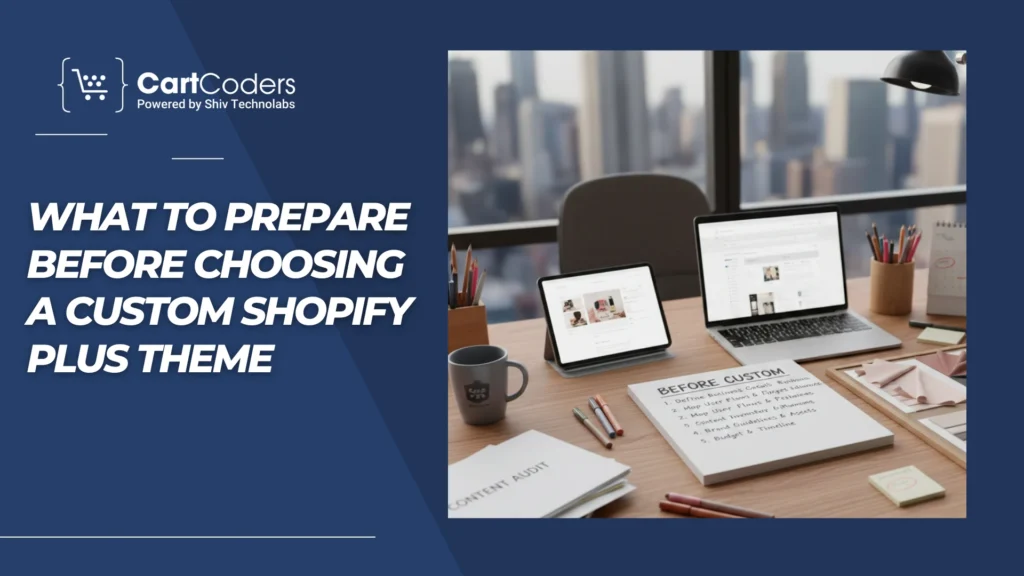
Moving to Shopify Plus often comes with the assumption that a custom theme is the next logical step. The platform is built for scale, so many brands believe a full redesign is required to keep up with growth. In reality, this assumption leads to expensive rebuilds that don’t always fix the real problems.
Most Shopify Plus stores struggle with issues like unclear navigation, inconsistent product pages, slow content updates, or buying flows that confuse customers. These challenges feel like design problems, but they’re often structural or operational. A custom theme can help in some cases, but in many others, it adds complexity without improving results.
This blog breaks down when a custom Shopify Plus theme actually makes sense, when it’s better to avoid one, and what to consider before making the decision. By the end, you’ll have clear criteria to decide whether a custom theme is the right move for your store — or if a simpler approach will serve you better.
Quick Decision Snapshot
Before going deeper, it helps to answer one simple question: what problem are you trying to solve? A custom theme on Shopify Plus is useful only when it fixes a structural limitation, not when it’s used as a surface-level change.
Do you really need a custom theme on Shopify Plus
You likely need a custom theme if:
Your store requires a buying flow that standard themes can’t support
Product pages need different layouts based on category or customer type
Merchandising rules are complex and hard to manage with theme settings
Design consistency across many templates is critical at scale
You probably don’t need a custom theme if:
The goal is faster launch or a cleaner redesign
Conversion issues come from content, navigation, or page speed
Your store uses standard Shopify product and checkout flows
Ongoing maintenance capacity is limited
Key takeaway:
A custom theme should solve long-term structural or operational problems. If the issues are visual, content-related, or performance-driven, simpler changes are often the better choice.
What “Custom Theme” Really Means on Shopify Plus
A custom theme on Shopify Plus is not just a visual redesign. It changes how templates, sections, and content rules are structured across the store.
This matters because many stores don’t need a full rebuild to improve results. If layout flexibility and content control can be handled through selective customization, a fully custom theme may be more than what’s required.
When a Custom Theme Makes Sense on Shopify Plus
A custom theme starts to make sense when the store needs structural control, not just visual polish.
This usually shows up when:
Product pages follow different rules based on category or customer type
Content needs to change dynamically across templates
Navigation logic can’t be handled cleanly through theme settings
In these cases, small theme tweaks turn into ongoing workarounds.
Scale is another signal.
Large catalogs, layered collections, and frequent merchandising changes often expose the limits of prebuilt themes. What works for dozens of products breaks down at hundreds or thousands.
Brand control also matters at this stage.
Fixed layout rules
Consistent content placement
Predictable page behavior
When these factors matter more than speed, a custom theme becomes a practical choice rather than a cosmetic one.
When a Custom Theme Is the Wrong Move
Not every Shopify Plus store benefits from a custom theme. In fact, many teams choose one for the wrong reasons and end up with more friction than before.
Navigation problems come from too many collections
Page speed issues exist before the rebuild
A new theme doesn’t solve these problems. It only changes how they look.
Timing can also work against you
If the store is mid-growth or preparing for a major campaign, a custom build adds risk:
Longer build cycles
More testing time
Greater chance of post-launch issues
Reality check
If goals, scope, and ownership aren’t clearly defined, a custom theme often becomes harder to maintain than the one it replaced.
Custom Theme vs Premium Shopify Plus Themes
Many Shopify Plus brands assume the choice is simple: custom equals better. In practice, the difference comes down to control vs speed, not quality.
Factor
Custom Shopify Plus Theme
Premium Shopify Plus Theme
Time to launch
Longer build and testing cycle
Faster setup and rollout
Upfront cost
Higher due to design and development
Lower, fixed theme cost
Layout flexibility
Full control over templates and structure
Limited to the theme framework
Maintenance effort
Ongoing updates and developer support
Minimal, handled mostly in-house
Risk level
Higher if the scope is unclear
Lower and more predictable
Best suited for
Complex, large-scale stores
Growing stores need stability
How to read this table (important)
A custom theme works best when structure and long-term control matter more than speed.
A premium theme is often the safer choice when the goal is stability, faster changes, and easier ownership.
For many Shopify Plus stores, starting with a strong premium theme and adding targeted changes later reduces risk without blocking growth.
Common Mistakes Shopify Plus Brands Make Before Building a Custom Theme
Most problems with custom themes don’t come from development. They start much earlier.
Mistake 1: Starting with design instead of structure
Teams often jump into visual decisions before defining how pages should work. Without clear layout rules, the theme looks polished but becomes hard to manage once the content grows.
Mistake 2: Copying competitors’ layouts
What works for another brand may not fit your catalog, customer type, or buying flow. Reusing layouts without understanding why they exist usually creates more friction than clarity.
Mistake 3: Treating the theme as a one-time project
A theme is not a finished asset after launch. When long-term ownership, updates, and internal workflows aren’t considered, small changes start requiring great effort.
Pattern to notice:
Most issues come from unclear goals and assumptions, not from technical limits.
What to Prepare Before Choosing a Custom Shopify Plus Theme
Before committing to a custom theme, it’s important to pause and check readiness. Skipping this step is what turns many builds into long, expensive projects.
Before you move forward, confirm the following:
Clear goals
What problem must the custom theme solve?
How will success be measured after launch?
Defined structure
Page types and layout rules are documented
Content placement is consistent across templates
Navigation logic is agreed on early
Internal ownership
Someone owns day-to-day content updates
Teams understand how changes will be made post-launch
If these pieces aren’t in place, a custom theme often adds confusion instead of clarity. Preparation reduces rework, shortens timelines, and helps the theme support growth instead of slowing it down.
Safer Alternatives to a Full Custom Theme
A full custom theme isn’t the only way to improve a Shopify Plus store. In many cases, targeted changes deliver better results with far less risk.
Options that often work better first
Targeted template customization
Adjust only product, collection, or landing page templates
Keep the base theme stable while fixing real problem areas
Modular sections and layout controls
Add flexible sections for marketing and merchandising teams
Reduce dependency on developers for routine updates
UX and content fixes before redesign
Simplify navigation and collection structure
Improve product page clarity and hierarchy
Address performance issues at the page level
Why these alternatives matter
They allow teams to test improvements, move faster, and avoid locking into a heavy rebuild too early. Many Shopify Plus stores delay or completely avoid a custom theme once these changes are in place.
Need Expert Input Before Making the Call?
Deciding whether to build a custom theme on Shopify Plus impacts more than design. It affects performance, maintenance effort, internal workflows, and long-term scalability.
CartCoders works with Shopify Plus brands to review existing themes, buying flows, and content structure before recommending a custom build. This helps identify whether the issue is truly structural or if targeted improvements can deliver better results with less risk.
A focused review can help clarify:
If a custom theme is necessary now or can be delayed
Which changes will have the most impact
How to avoid overbuilding
Getting the decision right early prevents rework later.
Conclusion
A custom theme on Shopify Plus is a strategic choice, not a default requirement. For some stores, it brings structure, control, and long-term flexibility. For others, it adds cost and complexity without solving the real problems.
The key is understanding what your store actually needs right now. If the challenges are structural and scale-related, a custom theme can make sense. If they’re tied to content, UX, or speed, simpler changes are often the smarter move.
Taking time to evaluate before rebuilding helps avoid unnecessary work and keeps growth decisions aligned with real business goals.
Frequently Asked Questions
Is a custom theme required on Shopify Plus?
No. Shopify Plus does not require a custom theme. Many Plus stores run successfully on premium themes with targeted customization. A custom theme is optional and depends on store complexity, scale, and structural needs.
Can I switch themes later on Shopify Plus?
Yes. You can change themes on Shopify Plus at any stage. However, switching after heavy customization requires planning to avoid content issues, layout mismatches, or workflow disruption.
Does a custom theme improve conversions?
Not by default. Conversions improve when product content, navigation, and buying flow are clear. A custom theme helps only if it removes structural friction that themes can’t address.
How long does a custom Shopify Plus theme usually take?
Timelines vary, but custom themes generally take longer than theme-based setups due to planning, testing, and post-launch stabilization. The more complex the scope, the longer the timeline.
What should be fixed before considering a custom theme?
Before rebuilding, review navigation structure, product page clarity, content workflows, and performance issues. Many stores see gains by fixing these areas without changing the entire theme.
As the CTO at Shiv Technolabs & CartCoders, I am liable for instigating, planning, integrating, and implementing the organization's strategic orientation.
I gather the most significant tech news in addition to sharing the information I gained while serving as the CTO of Shiv Technolabs, a renowned web and mobile app development company. I am pleased to answer questions as a most valuable expert for Shiv Technolabs Private Limited and to share my experience. I offer a keen insider's perspective on technical advancements.
 eCommerce
Solution
eCommerce
Solution






 INDIA
INDIA


 USA
USA
 CANADA
 AUSTRALIA