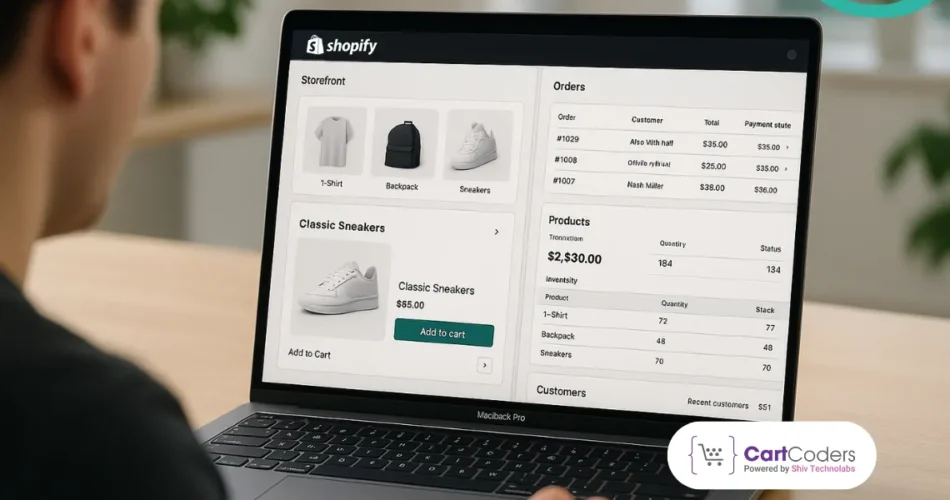
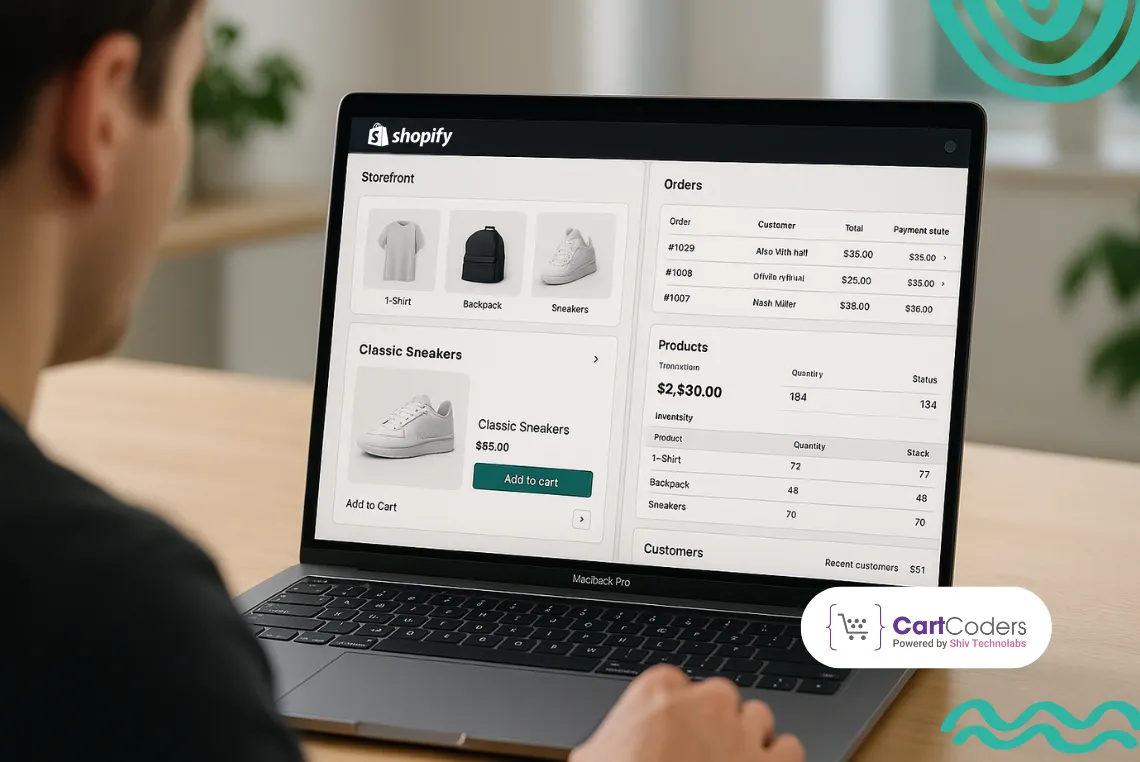
The explosive growth is behind some of the most powerful eCommerce platforms ever that enable businesses to open and establish online stores without developing complex infrastructure. Shopify is one of the strongest platforms in this space.
Over 4.8 million websites globally are built on Shopify today, serving businesses ranging from startups to multinational retailers. The platform makes everything easy, including storefront design, inventory, payments, and back-office work.
Build High Performance Store With Shopify Headless Experts
CartCoders team delivers fast frontend with API driven backend.
Merchants who intend to create scalable online stores should understand storefront architecture and backend workflows. The architecture of the Shopify eCommerce platform handles customer interactions, product information, orders, and payments through a well-knit system.
This guide will discuss how the Shopify storefront interacts with the backends, how orders and payments are processed, and how Shopify handles store operations at scale.
What Is Shopify Ecommerce Platform Architecture?
Shopify’s eCommerce platform architecture is the infrastructure that Shopify stores operate on, including the storefront, backend, APIs, databases, and integrations that enable merchants to manage product, order, payment, and customer operations.
On its base, Shopify architecture has two primary components:
Frontend storefront layer
Backend commerce engine
The combination of these layers provides a smooth eCommerce experience to customers and store owners.
Storefront Layer (Customer-Facing Interface)
The storefront layer is the part of the Shopify store that customers can manage.
It includes:
product pages
Collections
checkout pages
search functionality
shopping cart
product recommendations
This layer is developed based on the Templating language used in Shopify, Liquid, and a combination of HTML, CSS, and JavaScript. The storefront is responsible for interpreting product data provided by the backend system.
Backend Commerce Engine
The operational part of the store runs on the back-end engine.
It manages:
Product Database
Inventory Tracking
Order Management
Payment Processing
Shipping Calculations
Customer Accounts
Customers browse or place orders, and the storefront issues requests to the backend to retrieve or modify data.
API Infrastructure
Shopify also offers a variety of APIs that enable developers to expand the stores.
These APIs enable:
custom in-storefront development.
mobile commerce apps
headless commerce architecture.
Single sign-on with ERP systems and CRM systems.
The biggest one is the Shopify Storefront API, which enables developers to build custom eCommerce storefronts in addition to Shopify’s default theme architecture.
Understanding Shopify Storefront Architecture
Shopify storefront architecture stipulates how the front-end user interface interacts with the Shopify backend systems. It has ensured that customers can view products, shop in carts, and make purchases while the background services handle the data.
Core Components of Shopify Storefront Architecture
Component
Purpose
Shopify themes
Define visual design and layout
Liquid template engine
Renders dynamic store data
CDN (Content Delivery Network)
Improves page load speed
Storefront API
Enables custom storefront development
JavaScript frameworks
Enhance user interactions
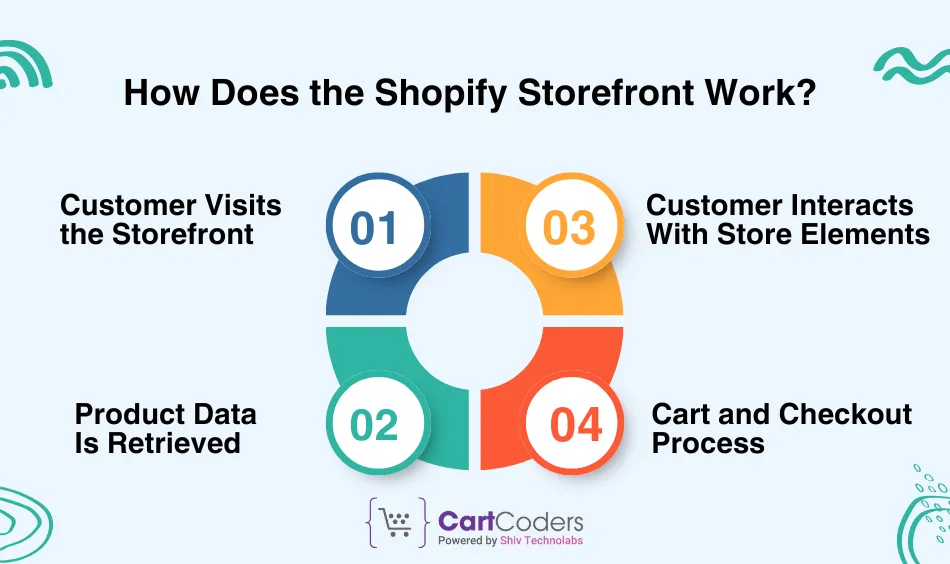
How Does the Shopify Storefront Work?
To understand the Shopify storefront’s functionality, it is necessary to dissect the process that occurs when a customer visits an online store.
Step 1: Customer Visits the Storefront
Once a user opens a URL of a Shopify store, the browser loads the storefront.
To render the page layout, the following is used:
Shopify themes
Liquid templates
CSS styling
JavaScript scripts
The system retrieves product and store information from Shopify on the backend database.
Step 2: Product Data Is Retrieved
In every load of a product page, Shopify loads information, including:
Product Title
Price ($)
Inventory Quantity
Product Images
Variant Options
Shopify has a centralized database of information on the backend.
This information is dynamically inserted into the storefront page by the Liquid templating engine.
Prepare Your Store For Shopify Headless Transformation
CartCoders audits data, apps, and frontend readiness.
Step 3: Customer Interacts With Store Elements
Customers interact with various items in the store.
Examples include:
Browsing Collections
Filtering Products
Adding Items To Cart
Viewing Product Variants
verification of shipping estimates.
These are activities that cause requests between the storefront and the backend systems.
Step 4: Cart and Checkout Process
Shopify temporarily records the information in the cart session whenever customers add products to their cart.
Check out the process, then collect:
Shipping Address
Billing Details
Payment Information
Shopify’s checkout infrastructure is used to securely handle this data.
How Does a Shopify Storefront Communicate With Backend Systems?
eCommerce operations require communication between the front-end and the back-end systems. Knowledge of the Shopify storefront and its interaction with the backend helps explain the flow of data within the platform. In a storefront action, a request is sent to Shopify servers.
Example actions include:
Request and Response Mechanism
Loading Product Data
Monitoring Inventory Levels
Placing Order Information
Accessing Customer Account information
The request is sent to Shopify servers, and the corresponding data is sent back to the storefront.
Role of Shopify Storefront API
The Shopify Storefront API enables programmatic access to store data. This API is commonly used in:
Headless eCommerce Setups
Bespoke Storefront Systems
Mobile Commerce Applications
Using the API, the developers can access:
Products
Collections
Cart Data
Customer Information
Shopify is very scalable due to this flexibility.
Headless Commerce Architecture
In headless commerce, the front office and the back office are segregated.
Frameworks such as these are used by developers to create custom storefronts.
React
Next.js
Vue.js
These fronts are connected to the Shopify backend via APIs. This approach improves:
Performance
Customization Flexibility
Scalability
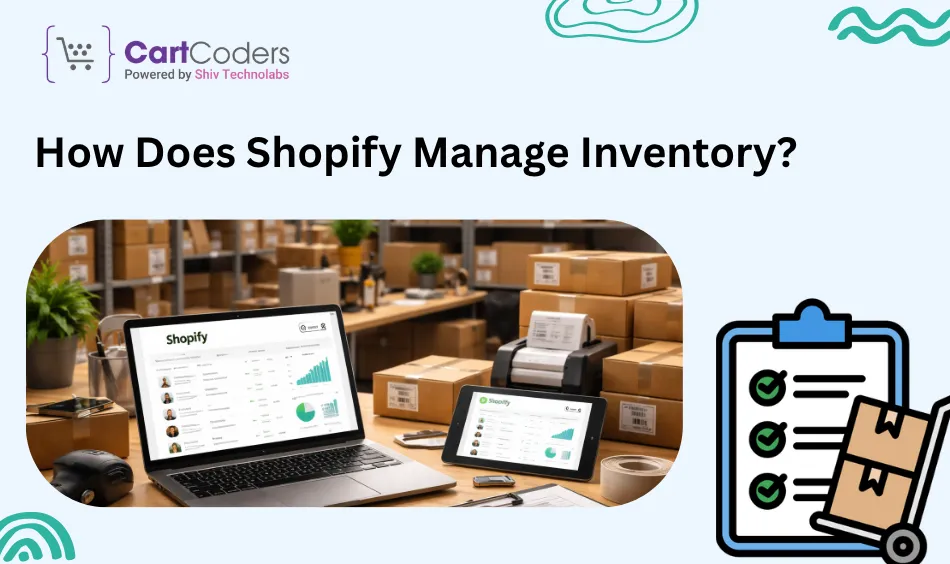
How Does Shopify Manage Inventory?
One of the most significant backend processes in ecommerce is inventory management.
Knowledge of how Shopify handles inventory will help merchants keep their products in stock.
Centralized Inventory Database
All product inventory information is stored in one database in Shopify.
This database tracks:
Stock Quantities
Product Variants
SKU numbers
Warehouse Locations
The system automatically adjusts inventory levels whenever an order is placed.
Real-Time Inventory Updates
There are real-time updates on the inventory levels.
This prevents issues such as:
Overselling
Stock Inconsistencies
Wrong Stock Of Products
For example:
When a product contains 100 units, and 5 orders are made, Shopify automatically updates the number to 95 units.
Multi-Location Inventory Support
Shopify enables a company to manage the inventory of multiple locations.
Examples include:
Warehouses
retail stores
fulfillment centers
The orders are automatically redirected to the appropriate destination.
How Does Shopify Process Orders and Payments?
One of the most important components of Shopify stores’ architecture is order processing.
All orders have a systematic procedure that includes validation, payment approval, and order fulfillment.
Step 1: Order Creation
Each time a customer completes a checkout, Shopify creates a new order.
The order record includes:
customer information
purchased items
shipping address
payment status
Step 2: Payment Authorization
Shopify is compatible with several payment gateways, such as
Shopify Payments
PayPal
Stripe
In the process of checkout, the payment gateway authenticates:
Card Validity
Account Balance
Transaction Approval
Upon the transaction’s success, the order status is paid.
Step 3: Inventory Deduction
Shopify updates inventory automatically once payment confirmation is received.
This will provide the correct availability of products to future clients.
Step 4: Order Fulfillment
The order is then processed by merchants or fulfillment services.
This includes:
packaging products
generating shipping labels
track information transmission
Customers are given automated order confirmation emails.
Key Benefits of Shopify Ecommerce Store Architecture
The eCommerce architecture at Shopify presents a number of benefits to the enterprises.
Scalability
Millions of customers can be served at the same time using Shopify’s infrastructure.
Big brands order thousands of products per day without performance issues.
High Security Standards
Shopify adheres to security practices such as
PCI DSS Level 1 compliance
SSL encryption
Fraud Detection Tools
This keeps the customer data and payment information safe.
Global Supplier Optimization
Shopify employs a global CDN network to provide quick loading of storefronts. This reduces page load times by 40-60% compared to conventional hosting.
Conclusion
Shopify has developed a formidable eCommerce platform. Its architecture is a composite of an advanced storefront and a powerful back-end system that handles products, inventory, payments, and order processing in a seamless manner.
CartCoders is a reliable Shopify development agency focused on custom Shopify stores, Shopify themes, headless commerce, and advanced Shopify integrations.
If you intend to create a new Shopify store, adapt the existing store structure, or leverage advanced Shopify capabilities, CartCoders can help you realize the full potential of the Shopify ecosystem.
Frequently Asked Questions
What is Shopify storefront architecture?
Shopify storefront architecture is the frontend system customers interact with when they visit an online shop. Shopify themes, Liquid templates, product pages, and checkout interfaces are all included and render data from Shopify’s backend infrastructure.
How does Shopify’s storefront communicate with the backend?
The Shopify storefront interacts with the backend systems via server requests and APIs. As customers browse products and add items to a cart or place an order, the storefront makes requests to Shopify servers, which in turn query and read data stored in the platform’s centralized database.
What is the Shopify Storefront API?
The Shopify Storefront API enables developers to programmatically access store data, such as products, collections, and cart data. It is typically utilized to create custom storefronts, mobile applications, or headless eCommerce frameworks that communicate with Shopify backend services.
As the CTO at Shiv Technolabs & CartCoders, I am liable for instigating, planning, integrating, and implementing the organization's strategic orientation.
I gather the most significant tech news in addition to sharing the information I gained while serving as the CTO of Shiv Technolabs, a renowned web and mobile app development company. I am pleased to answer questions as a most valuable expert for Shiv Technolabs Private Limited and to share my experience. I offer a keen insider's perspective on technical advancements.
 eCommerce
Solution
eCommerce
Solution









 INDIA
INDIA


 USA
USA
 CANADA
 AUSTRALIA