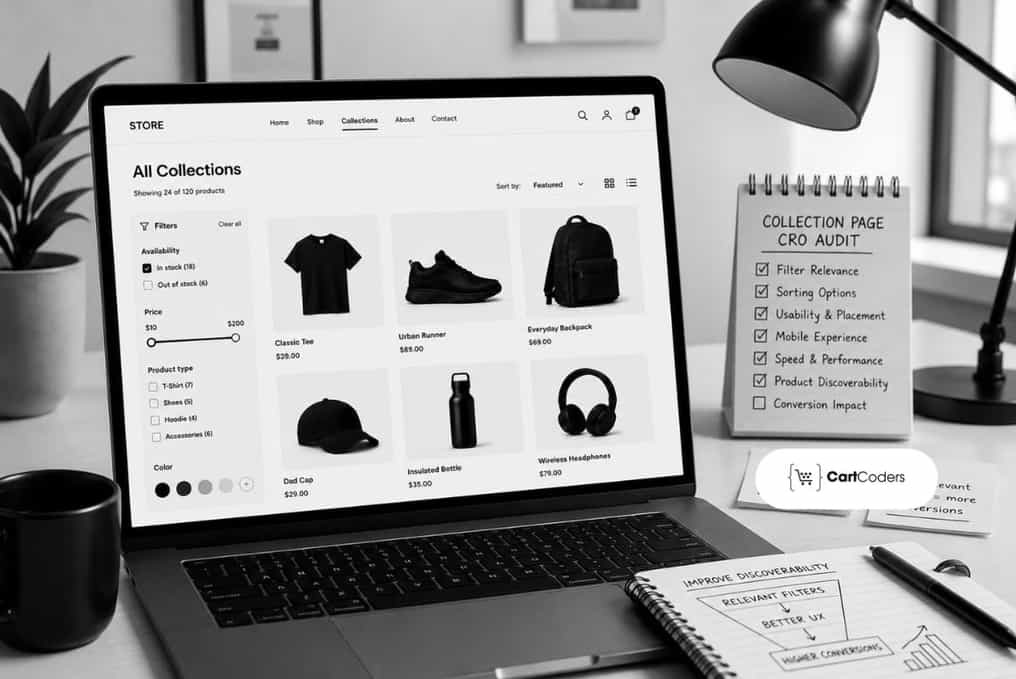

Most Shopify growth teams invest budget into product pages while collection pages quietly lose the sale. Collection pages carry your paid traffic, email clicks, and category search visits. Shoppers land there first, scan a grid, apply filters, and decide whether your catalog deserves more attention. Weak filters, thin product cards, and confusing sort logic push high-intent visitors back to the search results page.
Stores that hold strong collection traffic but weak product discovery almost always benefit from a Shopify CRO audit before redesign work starts. Fix the browsing layer first, and product pages will inherit warmer traffic with clearer buying intent.
This guide treats Shopify collection page CRO as a practical audit, not a design opinion. You get a repeatable framework for reviewing PLP behavior across filters, sorting, product grids, badges, and mobile browsing. Marketers, ecommerce managers, Shopify Plus teams, and growth teams can run these checks before touching product pages.
What Is a Shopify Collection Page CRO Audit?
Shopify collection page CRO reviews how shoppers browse products, use filters, compare product cards, sort results, respond to badges, and move toward product clicks or cart actions.
A collection page CRO audit documents where that path breaks. It checks filter coverage, sort logic, grid density, card fields, mobile controls, and analytics.
Why Do Shopify Collection Pages Deserve CRO Attention First?
Product listing pages carry the comparison work. Shoppers scan, filter, sort, and shortlist before any product page opens.
Baymard’s product list UX research reports that 58% of desktop sites and 78% of mobile sites score mediocre or worse on product list implementation.
Shopify filters depend on store setup rather than theme design alone. The Shopify Search and Discovery documentation confirms that filters draw from product options, tags, and metafields, and your theme must support filtering. Collections holding more than 5,000 products display no filters, so large catalogs need splitting.
Collection page CRO therefore combines analytics, heatmaps, product data quality, merchandising, and mobile testing.
What Does a Shopify Collection Page CRO Audit Framework Cover?
A repeatable framework keeps the audit consistent across categories and campaigns. Start with your three highest-traffic collections.
| Audit Area | What to Check | Shopify Example | Marketer Note | CRO Note |
| Collection Title and Intro | Clarity and intent | Text block above grid | Confirms ad match | Test intro versus none |
| Collection Banner | Height, offer clarity | Hero section | Tall banners bury products | Measure scroll to products |
| Filter Visibility | Placement, default state | Sidebar or drawer | Hidden filters reduce refinement | Track filter open rate |
| Filter Quality | Values match decisions | Search and Discovery | Missing filters lose sales | Test one decision filter |
| Sorting Options | Labels, default order | Sort dropdown | Default order drives clicks | Test bestseller default |
| Product Card Details | Price, rating, stock | Card in grid | Thin cards force clicks | Test adding review stars |
| Product Grid Layout | Columns and spacing | Theme grid settings | Dense grids slow scanning | Test three versus four |
| Badges and Offers | Sale badge clarity | Card badge settings | Weak badges hide promotions | Test contrast and wording |
| Quick Add or Quick View | Visibility and variants | Quick add hover | Speeds repeat purchases | Track quick add conversion |
| Mobile Layout | Tap targets, sticky bars | Mobile grid, drawer | Mobile carries most sessions | Test sticky filter bar |
| Pagination or Infinite Scroll | Position memory, loading | Collection section setting | Lost position causes exits | Test load more button |
| Empty States | Message and reset | Zero result combination | Dead ends waste clicks | Test suggested products |
| Analytics Tracking | Event coverage, accuracy | GA4 view_item_list | Missing events hide friction | Validate events before testing |
Find Collection Page Gaps That Help Marketers Improve Product Discovery Faster Clearly
Audit filters, sorting, product cards, and browsing paths before collection traffic moves away from high-intent buying actions.


How Do Browsers Become Buyers on Collection Pages?
Buying intent builds in steps across the grid, not in one click. Each step raises a question.
| Browsing Step | Shopper Question | CRO Audit Check |
| Landing on collection page | Does this category match? | Compare ad copy against title |
| Scanning first product row | Is this my price level? | Check first row prices |
| Comparing prices | Which option gives value? | Confirm compare-at price shows |
| Applying filters | Can I narrow this? | Count decision-led filters |
| Changing sort order | What ranks best here? | Review sort labels and default |
| Checking sale items | Where are real discounts? | Verify badge against price |
| Comparing product cards | Which two should I open? | Check fields support comparison |
| Opening product pages | Is this worth a click? | Track select_item by position |
| Using quick add | Can I skip the page? | Test quick add with variants |
| Returning to collection | Where was I browsing? | Confirm scroll and filters hold |
| Reaching cart | Did I choose correctly? | Review cart entries by source |
How Should You Audit Shopify Collection Filters and Sorting?
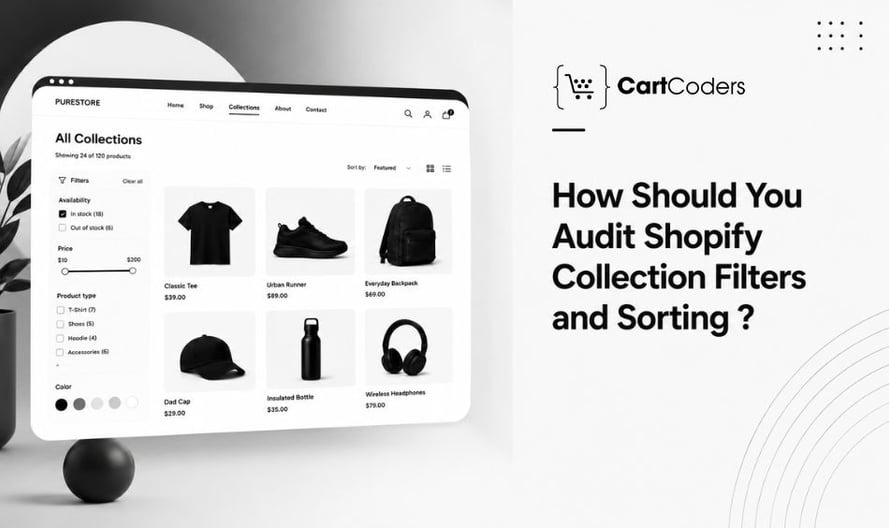
Filters guide buying decisions better than any banner. Shoppers who filter reach product pages faster. Sorting decides what most visitors ever see.
Filter and Sorting Audit Checklist
Run this checklist on one high-traffic collection at a time. Record the URL, device, and filter combination per gap.
- Review size, color, price, material, fit, and availability filters
- Check whether filter values match buying decisions
- Clean inconsistent values such as Navy and navy blue
- Test filter combinations for accurate counts
- Test empty result paths and reset behavior
- Test the mobile filter drawer on real devices
- Review sort options for price, newest, bestseller, rating
- Confirm the default sort supports campaign intent
- Review filter usage inside GA4 or heatmaps
- Audit high-traffic collections before long-tail ones
- Document missing filters by category and product type
- Split collections above 5,000 products so filters return
Filter fixes depend on product data cleanup, so metafields and variant options come first. Rank that work by category revenue, then send interface issues to your Shopify UI/UX audit backlog.
Turn Collection Browsing Into Clear Product Paths That Support Higher Purchase Intent
Get expert CRO feedback on collection layout, filters, badges, mobile product cards, and real shopper decision signals.
What Should You Review on Product Cards and Product Grids?
Product cards do the selling work on a collection page. Every missing field forces an extra click, and clicks leak intent. Grid density controls how many options shoppers compare.
Product Card and Product Grid Checklist
Screenshot each card issue and note where it appears. Card changes need theme work, so group them into one release. Fix price, rating, and stock visibility first.
- Product title clarity without awkward truncation
- Price and compare-at price visible together
- Review rating and count on the card
- Color swatches that change the card image
- Variant preview for size or capacity ranges
- Stock labels for low inventory items
- Sale, bestseller, and new badges with honest rules
- Image consistency across crop and background
- Hover or secondary image behavior
- Quick add clarity for variant products
- Tap targets above 44 pixels on mobile
- Card spacing that prevents mistaken taps
- Product count per row across breakpoints
- Sponsored placements labelled clearly
Group findings by fix type so developers batch edits through Shopify Plus development sprints.
How Do You Audit Mobile Collection Pages?
Mobile carries most collection traffic, so mobile checks come first. Small controls, hidden filters, and lost scroll position cost revenue.
Mobile PLP Audit Checklist
Log every mobile issue with device, browser, and screen width. Repeat the pass through a paid ad link.
- Test the grid at 360 and 414 pixels
- Test filter drawer access above the grid
- Test sort access without opening filters
- Test sticky filter and sort controls
- Test product card readability
- Test swatch and badge size and contrast
- Test tap targets on cards and buttons
- Test scroll depth against product click position
- Test the return path from product pages
- Test quick add behavior with variant products
- Test pagination or infinite scroll
- Test campaign landing collections via ad links
Mobile grid issues overlap with theme performance, so pair findings with a Shopify technical audit when images or apps slow the grid.
Which Analytics and Heatmap Signals Show Collection Page Friction?
Behavior data shows which collection problems cost money. These signals appear during most Shopify collection page CRO reviews.
| Signal | What It May Show | Audit Action |
| High traffic, low product clicks | Grid fails scan test | Review card fields |
| High scroll, low filter usage | Filters stay hidden | Test filter placement |
| High filter usage, low clicks | Results miss real intent | Audit filter values |
| Low add-to-cart from collection | Quick add unclear | Test quick add on top pages |
| Frequent filter resets | Values confuse shoppers | Clean duplicate filter labels |
| No-result filter paths | Combinations return nothing | Add suggestions, disable dead ends |
| Mobile drop-off early | Grid load or density | Review image weight |
| Low sale collection interaction | Offer clarity gap | Test badge design |
| Heatmap clicks on dead areas | Shoppers expect card interaction | Make titles fully clickable |
| Repeated backtracking in recordings | Position memory fails | Fix scroll restore |
| Clicks stuck in row one | Merchandising order too flat | Test bestseller ordering |
| Paid traffic, weak collections | Campaign path mismatch | Align creative with collection |
Which Collection Page Fixes Should Marketers Prioritize First?
Priority follows revenue exposure, not effort. Start with collections carrying paid traffic and high organic sessions.
| Collection Issue | Buyer Impact | Effort | Priority | Fix Direction |
| Weak filter options | Slow refinement | Medium | High | Add filters via metafields |
| Unclear sort logic | Poor first screens | Low | High | Rename labels, set default |
| Missing card details | Extra clicks | Medium | High | Add price, rating, stock |
| Weak sale badges | Missed promotions | Low | Medium | Improve contrast and wording |
| Poor mobile grid | Early exits | Medium | High | Fix columns and targets |
| Confusing product order | Low scan value | Low | High | Apply manual bestseller ordering |
| Hidden availability | Wasted clicks | Low | Medium | Show stock on cards |
| Inconsistent swatches | Comparison friction | Medium | Medium | Standardize colour naming |
| Slow collection loading | Abandoned browsing | High | High | Compress images, trim apps |
| Weak empty results page | Dead-end sessions | Low | Medium | Add reset and suggestions |
| Unclear collection intro | Weak message match | Low | Low | Rewrite for search intent |
| Poor campaign collection layout | Wasted ad spend | Medium | High | Build dedicated campaign collections |
Which Collection Page A/B Tests Are Worth Running?
Testing confirms which fixes deserve permanent theme changes. Run tests only where weekly orders allow it.
| Test Idea | What to Change | Success Metric |
| Filter placement | Sidebar versus top | Filter open rate |
| Sort label | Rename default label | Product click rate |
| Sale badge design | Percentage versus amount | Sale click rate |
| Product card information | Add rating and count | Select_item rate |
| Product card image ratio | Square versus portrait | Scroll depth to click |
| Quick add visibility | Visible versus hover | Add-to-cart from collection |
| Collection banner length | Short versus tall banner | Time to first click |
| Product order | Manual versus automatic | Revenue per session |
| Bestseller row | Curated row above grid | Product click rate |
| Mobile sticky filter control | Sticky versus static | Mobile filter usage |
| Empty result messaging | Add reset and options | Recovery after zero results |
| Campaign collection layout | Dedicated versus standard | Conversion from paid traffic |
Tests need enough traffic and one clear success metric before teams make permanent changes.
What Does a Shopify CRO Audit Cost and Deliver?
Budget planning gets easier once audit depth and store complexity are clear. Pricing shifts with collection count, traffic, and testing scope.
Shopify CRO Audit Cost Ranges
These approximate planning ranges apply across most Shopify engagements:
- Basic Shopify CRO audit: $500 to $2,500+
- Shopify collection page CRO audit: $1,500 to $5,000+
- Shopify Plus or complex CRO audit: $5,000 to $15,000+
- Collection page or PLP sprint: $3,000 to $20,000+
- A/B testing setup and analysis: $1,500 to $10,000+
- Ongoing CRO support: $1,000 to $7,500+ monthly
Final pricing depends on store size, traffic, collection count, theme complexity, app stack, analytics setup, testing depth, and implementation scope. These stay planning ranges, not quotes.
CRO Audit Deliverables
Each audit deliverable gives your team something it can act on. Each item maps to a real decision.
| Deliverable | What It Includes | Why It Helps |
| Collection page issue map | Annotated screenshots | Shows where intent drops |
| High-traffic collection review | Top collections by sessions | Focuses effort on revenue |
| Filter and sorting findings | Missing values and labels | Improves refinement |
| Product card findings | Field gaps and badges | Reduces clicks per compare |
| Mobile PLP findings | Device screenshots, controls | Protects largest segment |
| Heatmap and recording insights | Click maps, friction clips | Explains the numbers |
| GA4 analytics notes | Event and parameter gaps | Makes testing measurable |
| Priority fix list | High, medium, low tags | Sequences work by revenue |
| A/B test ideas | Hypotheses and metrics | Prevents guesswork |
| Implementation notes | Theme, app, data notes | Speeds developer handoff |
| Retest plan | Timeline and measurement | Confirms fixes held |
How CartCoders Supports Collection Page CRO Work
CartCoders works with Shopify teams whose collections attract traffic but few product clicks. The audit covers Shopify collection page CRO across filters, sorting, product cards, grids, campaign collections, mobile PLP behavior, heatmaps, and priority fixes.
Findings arrive as an annotated issue map with a sequenced backlog. Teams that need the fixes built can act on CartCoders findings in-house or hire Shopify developers to ship them. Book a CRO Audit when collection sessions grow, but product clicks stay flat.
Final Thoughts on Collection Page CRO
Collection pages decide whether traffic ever reaches a product page with intent. Run the filter, sorting, product card, grid, and mobile checks on your three highest-traffic collections this week.
Record a baseline before you change anything. Product click rate, filter usage, and add-to-cart from collection give you the three numbers that prove whether a fix worked. Most teams skip this step and then argue about results for a quarter.
Then rank fixes by revenue exposure, ship the top three, and hold the rest. Product data work usually takes longer than theme work, so start metafield and tag cleanup in parallel. Collections above 5,000 products need splitting before filters return at all.
Give each change two full weeks against the same traffic mix before you judge it. Seasonal campaigns and paid pushes distort weekly comparisons more than most dashboards suggest.
Collection fixes compound. Cleaner filters raise the quality of every product page visit, and better sort logic improves return on the same ad spend. Product page work pays back faster once the browsing layer stops leaking intent.
If gaps run deeper than theme settings, a CRO Audit gives you an issue map, a ranked backlog, and test ideas your developers can build.
Frequently Asked Questions
Shopify collection page CRO reviews how shoppers browse, filter, sort, and compare products before opening a product page. It covers sort logic, product cards, grids, badges, mobile controls, and the analytics showing where intent breaks.
Collection page CRO improves product discovery and comparison across many items. Product page CRO improves confidence in a single item. Collection work decides which products get opened, so weak PLP performance caps every product page gain.
Filters let shoppers narrow large catalogs to items they might buy, and sorting decides what visitors see first. Missing size, fit, or availability filters force endless scrolling, while a poor default sort buries your strongest products.
Basic audits run $500 to $2,500+, collection page audits $1,500 to $5,000+, and Shopify Plus audits $5,000 to $15,000+. A/B testing programs run $1,500 to $10,000+. These are planning ranges, since scope changes the figure.
Request an audit when collection sessions grow while product clicks stay flat, when paid traffic converts below target, or after a theme redesign. An audit also helps before peak season, so fixes ship in time.


