

Your customers want to see what others think before making a purchase. Customer reviews build trust and drive sales on Shopify stores. They help shoppers feel confident about their purchase decisions. Reviews serve as social proof that your products are effective and well-received by customers.
Research shows that displaying customer reviews can increase conversion rates by up to 270%. Smart store owners take advantage of this by using Shopify product review integration to display feedback across their online store. By placing reviews in the right spots, they help build trust and guide customers toward confident purchase decisions.

This guide will teach you the best methods to display customer feedback. You’ll learn how to turn visitor doubts into confident buyers through proven review strategies.
Why Displaying Reviews on Shopify Matters?
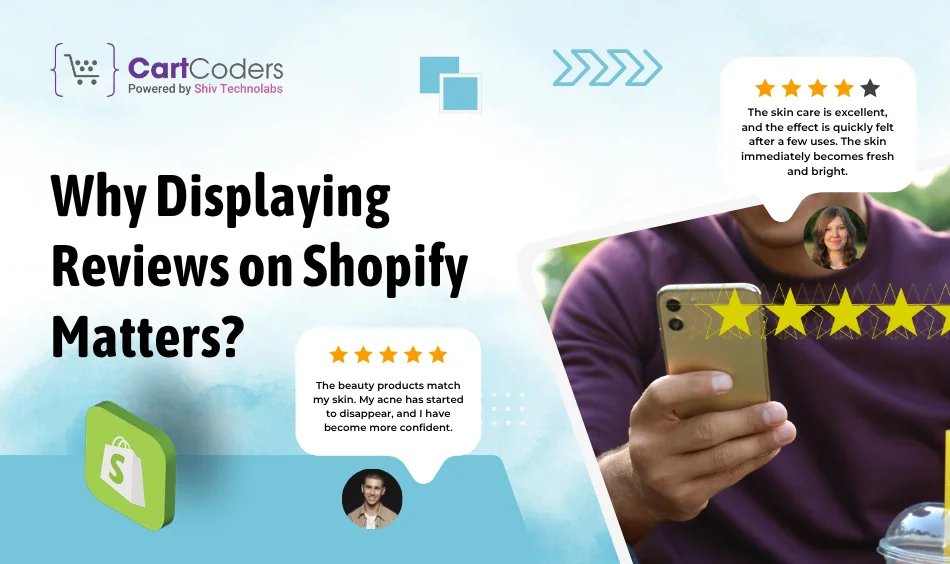
Reviews are like having your best customers sell for you 24/7. They answer questions before customers even ask them. People trust other buyers more than marketing messages.
Key Benefits Of Displaying Reviews:
- Build instant trust with new visitors
- Reduce purchase anxiety and hesitation
- Increase conversion rates significantly
- Improve search engine visibility
eCommerce statistics for 2024 reveal that 58% of consumers are willing to pay more for products from a brand with good reviews. This means reviews don’t just increase sales. They also let you charge higher prices.
Search engines love reviews, too. Google shows star ratings in search results. This makes your products stand out from those of your competitors.
Top 10 Ways to Show Customer Reviews on Shopify

Here are the most effective methods for displaying customer reviews across your Shopify store to maximise impact.
1. Add Product Page Review Sections
Your product pages need dedicated review sections. This is where most shoppers expect to find feedback. Place reviews below the product descriptions, but above the related products.
Utilise Shopify review apps like Judge.me or Yotpo for a seamless setup. These tools automatically collect and display reviews. They show star ratings, written feedback, and reviewer names.
Make sure reviews are easy to read on mobile devices. Mobile ecommerce accounts for nearly half (44.1%) of US online sales in 2024, representing $564.1 billion in order value. Your Shopify review section must look great on phones and tablets.
2. Use Review Carousels on Home or Landing Pages
Your homepage is prime real estate for social proof. Add a review carousel that shows rotating customer testimonials. This immediately catches the attention of visitors when they land on your site.
| Carousel Best Practices | Why It Works |
| Auto-rotate every 5-7 seconds | Keeps content fresh and engaging |
| Include navigation arrows | Lets users control browsing experience |
| Add customer photos | Increases authenticity and trust |
| Link to product pages | Drives traffic to specific products |
Pick your best 5-star reviews for the carousel. Choose ones that highlight different product benefits.
3. Create a Dedicated Customer Reviews Page
Create a dedicated page that displays all your customer reviews. This becomes a powerful trust-building resource. Link to it from your main navigation menu.
Organization Tips For Review Pages:
- Group reviews by product category
- Add search functionality
- Include filtering by star rating
- Sort by date or helpfulness
This page shows you have nothing to hide about customer feedback. It provides content for search engines to index.
4. Show Star Ratings in Search Results (Rich Snippets)
Rich snippets make your products stand out in Google searches. They show star ratings directly in search results. This increases click-through rates significantly.
Most Shopify review tools automatically add the necessary code. They include structured data markup that Google reads. Products with visible stars get more clicks than those without.
Boost Trust with Verified Reviews
We integrate top review tools like Judge.me, Loox, and Yotpo.


5. Use Review Popups or Slide-ins
Strategic pop-ups can effectively highlight customer feedback. Show them when visitors spend time on product pages. This indicates genuine interest in the product.
Time your pop-ups carefully. Show them after 30-60 seconds on product pages. Use exit-intent triggers for leaving visitors. Avoid showing them immediately, as this seems pushy.
6. Add Reviews to Email Campaigns
Email marketing becomes more powerful with customer reviews. Include testimonials in your promotional emails. This adds credibility to your product recommendations.
| Email Type | Review Integration Strategy |
| Promotional Emails | Include relevant product testimonials |
| Abandoned cart emails | Show reviews for cart items |
| Welcome series | Feature top customer success stories |
| Win-back campaigns | Use reviews to rebuild trust |
Create dedicated review emails that showcase customer feedback. Send these to subscribers who haven’t purchased recently.
7. Embed Video Testimonials
Video reviews are incredibly powerful social proof. They show real customers sharing genuine experiences. People trust video testimonials more than written reviews.
Encourage customers to submit video reviews through your Shopify review widget. Offer small incentives like discount codes. Make the submission process simple and quick.
8. Display Reviews at Checkout or Cart Page
The checkout process is crucial for conversions. Nearly 70% of online shoppers abandon their carts before completing a purchase. Reviews at checkout can reduce this abandonment.
Show reviews for products currently in the cart. This reinforces purchase decisions when customers might have doubts. Add trust badges and review summaries near payment forms.
9. Use Social Proof with Instagram or Facebook Reviews
Social media reviews feel more authentic to many customers. They come from real social profiles with photos and friends. This makes them highly trustworthy.
Use tools to import reviews from Shopify, Instagram and Facebook. Display them alongside traditional product reviews. This shows your products getting love across different platforms.
Connect your social proof with AI-powered Shopify solutions. These tools can automatically identify and collect social media mentions.
10. Highlight Reviews in Blog Posts and Guides
Your blog content becomes more credible with customer testimonials. Include relevant reviews in product guides and how-to articles. This adds real-world validation to your advice.
Write blog posts specifically about customer success stories. Turn detailed reviews into case studies. This creates valuable content while showcasing customer satisfaction.
Best Review Apps for Shopify in 2025
Choosing the right Shopify review apps makes displaying customer feedback much easier. Here are the top options for 2025:
| App Name | Key Features | Best For |
| Judge.me | Photo reviews, Q&A, analytics | Comprehensive review management |
| Yotpo | AI-powered timing, loyalty programs | Growing businesses |
| Stamped Product Reviews & UGC | Beautiful displays, Google Shopping | Visual-focused stores |
| Loox ‑ Product Reviews App | Photo reviews, referral programs | Social proof emphasis |
Select apps that align with your store’s needs and budget. Look for tools that integrate with your existing Shopify testimonials plugin. Consider apps that offer AI-powered review app features for automation.
Conclusion
Customer reviews are essential for Shopify success in 2025. They build trust, increase conversions, and help your store stand out from competitors. The methods outlined in this guide will help you display reviews effectively throughout your customer journey.
For stores ready to elevate their review strategy, consider AI-powered Shopify solutions. If you need help implementing these review strategies or want to explore AI-powered review solutions, CartCoders offers expert Shopify development services. Our team specializes in creating custom review systems and integrating advanced AI features. Contact us today and see the magic happening with the best Shopify experts to the rescue.


