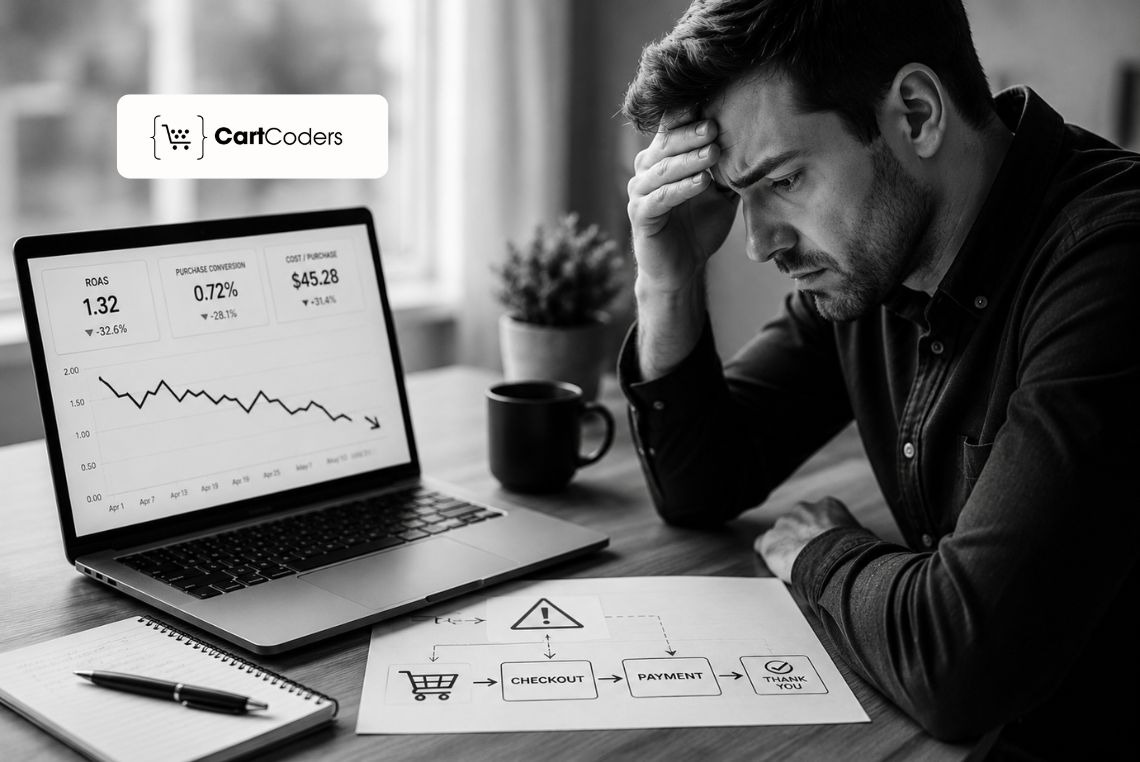

Imagine a Shopify store that moves its checkout to the new Thank you and Order status pages. The ad budget stays the same, the creative stays the same, yet the platform ROAS suddenly falls. The marketing team assumes the ads stopped working and starts pausing campaigns.
Most teams react to that drop by changing bids, audiences, or creative first. The real cause often sits one step earlier, inside the checkout tracking that feeds those ad platforms. Every change you make when you customize Shopify checkout can also reshape how those events fire.
This guide shows how checkout tracking can shift after migration and skew your ROAS reporting. You will see what changes, how to test it, and how to confirm the numbers.
Why ROAS Falls After Checkout Migration
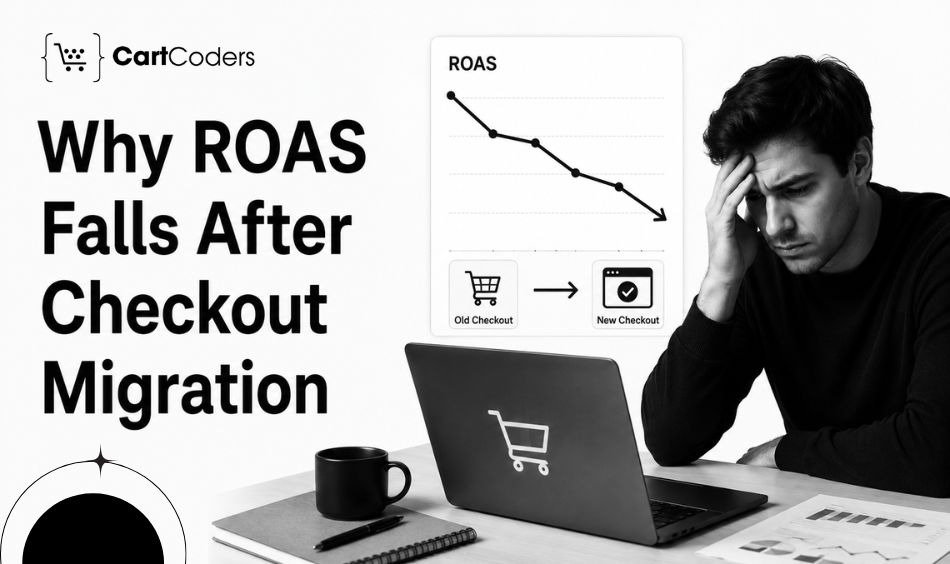
Checkout migration can change ROAS reporting when purchase events, pixels, consent settings, or post-purchase scripts behave differently. The ads may still perform, while the attribution path that reports those sales stays incomplete.
Shopify moved checkout customization from checkout.liquid to Checkout Extensibility, which uses app blocks and the Web Pixels API. When that handoff is partial, conversions arrive late, duplicated, or not at all.
A focused review of checkout extensibility tracking shows whether a ROAS drop reflects real ad performance or a broken data path.
What Changed With Checkout Extensibility and Your Tracking?
Shopify rebuilt the checkout, Thank You, and Order Status pages on a more secure foundation. We have covered this shift in detail in our breakdown of what breaks after the checkout.liquid sunset. This change moved tracking from raw scripts toward pixels and customer events. These mechanics decide whether your data survives, so checkout extensibility tracking starts here.
How Shopify Web Pixels and Custom Pixels Work
Shopify pixels are JavaScript snippets that collect customer events for marketing and analytics. Custom pixels run inside a Lax sandbox built for security and data control.
The sandbox protects the checkout, yet some third-party tags do not run the same way inside it. You can read the official details in Shopify’s pixels and customer events documentation, and a tag that malfunctions there can fail without any visible error.
Thank You and Order Status Page Tracking
Customers reach the Thank you page after an order and the Order status page afterward. Checkout Extensibility now handles both through blocks and pixels.
After the upgrade, the Thank you page URL handle changes, so hardcoded tracking URLs need an update. A missed update here can drop purchase events.
Replacing Additional Scripts With Pixels
Shopify recommends replacing additional scripts used for tracking and analytics with app pixels. App pixels bring better stability, security, and automatic updates.
During the swap, the old script and the new pixel can fire together, which creates duplicate purchase events until you deactivate the old script. After replacing scripts with pixels, you might also notice fewer events reaching a third-party platform.
ROAS Symptom vs Tracking Issue
A ROAS drop usually shows a pattern you can match to a tracking cause. The table below pairs symptoms with likely issues and a fix direction.
| ROAS Symptom | Possible Tracking Issue | What to Check | Fix Direction |
| ROAS drops after migration | Pixel or event handoff incomplete | Customer events list, pixel status | Reconnect or rebuild pixels |
| Purchases missing in Meta Ads | Meta Pixel or CAPI not firing on new pages | Pixel Helper, event logs | Reinstall app pixel, add CAPI |
| Google Ads reports fewer conversions | Conversion tag not moved to a pixel | Tag firing, conversion linker | Move tag to app or custom pixel |
| GA4 revenue differs from Shopify | checkout_completed is not mapped to GA4 purchase | GA4 DebugView, event params | Fix event mapping and parameters |
| Duplicate purchase events | The old script and the new pixel are both active | Active scripts vs pixels | Deactivate the legacy script |
| Checkout started events are missing | checkout_started not subscribed | Pixel subscription code | Subscribe to the standard event |
| Thank You page events are missing | Hardcoded URL or script not replaced | Thank you page handle, pixel | Update URL, move to a pixel |
| Customer match quality drops | Consent or PII handling changed | Consent settings, event payload | Align consent and data fields |
| Post-purchase events disappear | Order status tracking is not rebuilt | Order status page blocks, pixel | Rebuild tracking with pixels |
Which Events Should You Validate After Migration?
Each ad platform depends on a small set of standard customer events. The next table maps each event to its purpose and a common failure point.
| Event | Why It Matters | Where to Validate | Common Issue |
| page_viewed | Base signal for sessions and remarketing | GA4 DebugView, Pixel Helper | Pixel not loading sitewide |
| product_viewed | Feeds product remarketing and catalogs | Browser console, GA4 | Event not subscribed |
| product_added_to_cart | Signals buying intent for audiences | Pixel Helper, event log | Theme change breaks trigger |
| checkout_started | Marks the start of checkout | Customer events, GA4 | Not subscribed after migration |
| payment_info_submitted | Tracks late-funnel intent | Pixel Helper, console | Missing in custom pixel code |
| checkout_completed | Core purchase and revenue event | GA4 purchase, ad platform | Not mapped or duplicated |
| post-purchase event | Confirms order on status page | Order status page, logs | Page rebuild drops the event |
| custom event | Tracks store-specific actions | Pixel code, dataLayer | Publish call removed in migration |
A Practical Example of a False ROAS Drop
The example below shows how one missing event can look like an ad slowdown, even while the store keeps selling.
Picture a store spending ten thousand dollars a month across Meta and Google. Before migration, Shopify records 500 orders and Meta reports about 300. After the upgrade, Shopify still records 500 orders, yet Meta reports only 180.
Reported ROAS falls close to 40 percent, while real sales stay flat. The custom pixel never subscribed to checkout_completed on the new Thank you page. A pixel fix restored the purchases, and our guide on where users drop off in checkout confirms the rest of the funnel.
Checkout Tracking Audit Checklist Before You Scale Ad Spend
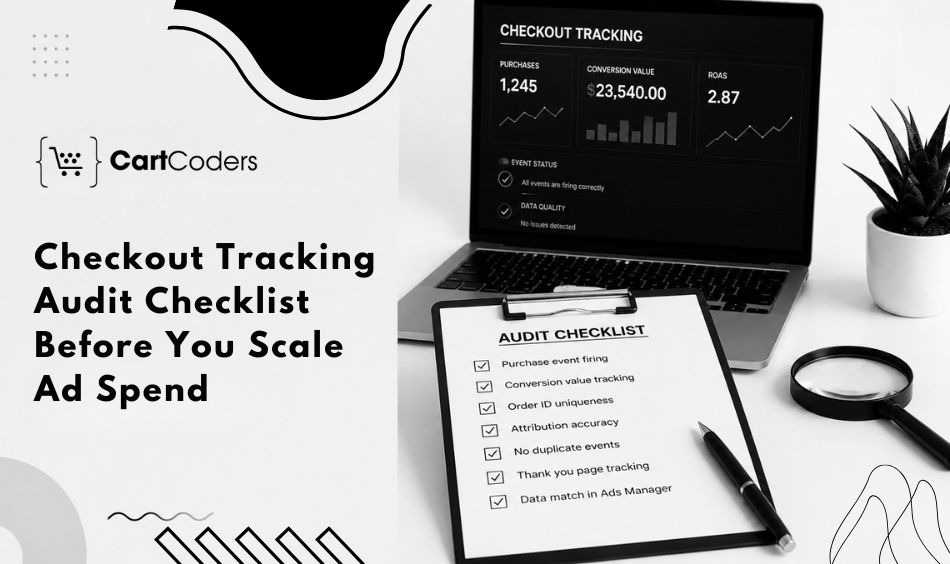
A short audit protects your budget before you raise it across Shopify, your pixels, and each ad platform. This list is the practical core of checkout extensibility tracking work.
• Compare Shopify orders with ad platform purchases for the same date range
• Check that the checkout_completed event fires once per order
• Review custom pixels for correct event subscriptions
• Review app pixels and their connection status
• Review customer privacy settings and consent rules
• Test Thank You page tracking after the URL handle change
• Check Order Status page tracking through the new blocks
• Validate GA4 ecommerce events in DebugView
• Check Meta Pixel and CAPI setup for browser and server events
• Review duplicate event rules to remove double counting
• Compare attribution windows across platforms
Match each platform back to Shopify orders as your anchor number. A repeatable gap points to one event or consent rule, so fix the data first, then judge the ads.
Hire Checkout Migration Experts for Merchants and Agencies
Clean checkout tracking matters to merchants and agencies in different ways. Merchants make budget calls from these numbers, while agencies protect client trust when reported ROAS matches real sales.
For Merchants
Clean tracking protects your ad reporting, conversion tracking, and budget calls. A Shopify CRO audit can find where checkout data leaks before you scale spend.
Regular checks belong inside Shopify store maintenance so that pixels keep firing after each update. Stores planning heavier changes can pair tracking checks with Shopify Plus development to keep events intact.
For Agencies
Agencies can route checkout tracking work to CartCoders as a white-label partner, and our overview of white-label Shopify delivery for agencies explains how that engagement runs. We handle pixel migration, QA, Shopify custom pixel setup, and app pixel checks. Your team keeps the client relationship while we confirm the data.
Complex builds can lean on our Shopify development services so migration and tracking get handled together, with no extra hires on your side.
How CartCoders Supports Checkout Tracking Reviews
CartCoders helps merchants and agencies review checkout tracking after a migration. The team validates pixels, tests customer events, checks post-purchase tracking, and fixes migration gaps.
A focused Checkout Health Check compares Shopify orders against every connected ad platform. Stores that need deeper repairs can add Shopify custom store development to fix events at the code level. Booking a checkout extensibility tracking review with CartCoders protects both your budget and your client reports.
Final Word on Checkout Tracking and ROAS
A ROAS drop after migration is a signal to check your data before you touch the budget. In most cases, the campaigns still convert while the reporting path loses events.
Treat the numbers as a diagnosis, not a verdict. Compare Shopify orders against each platform, confirm pixels and customer events fire once, and review consent rules. A steady checkout extensibility tracking habit then protects every checkout change you make.
Run a tracking review, confirm your events, then book a Checkout Health Check. Scale with data you trust, not guesswork.
Frequently Asked Questions
These answers cover the questions merchants and agencies ask most after a checkout migration. Each one stays short and practical.
Yes. A migration can change how pixels, customer events, and post-purchase scripts fire. When those signals break or duplicate, ad platforms report fewer conversions. The ads may perform while ROAS reporting drops because the attribution path has lost data.
ROAS often drops because tracking changed, not because ads failed. Pixels, customer events, or consent rules may behave differently after the upgrade, so purchase events can go missing or duplicate. Compare Shopify orders with each platform before cutting the budget.
Checkout extensibility tracking is the practice of confirming that pixels and customer events fire correctly across Shopify’s new checkout, Thank you, and Order status pages. It checks purchase events, consent rules, and post-purchase data so ad platforms report accurate conversions and ROAS.
Test page_viewed, product_viewed, product_added_to_cart, checkout_started, payment_info_submitted, and checkout_completed. Confirm each fires once and maps to the right platform event. Also check post-purchase and custom events. These standard events feed Meta, Google Ads, and GA4 reporting.
Custom pixels subscribe to Shopify customer events inside a sandbox and send data to your tools. They replace older additional scripts that Shopify deprecated on the Thank you and Order status pages with more stability and automatic updates.
A Checkout Health Check compares Shopify orders against every ad platform to find missing or duplicate conversions. It shows whether an ROAS drop came from ads or tracking. Running it before scaling spend protects your budget.


